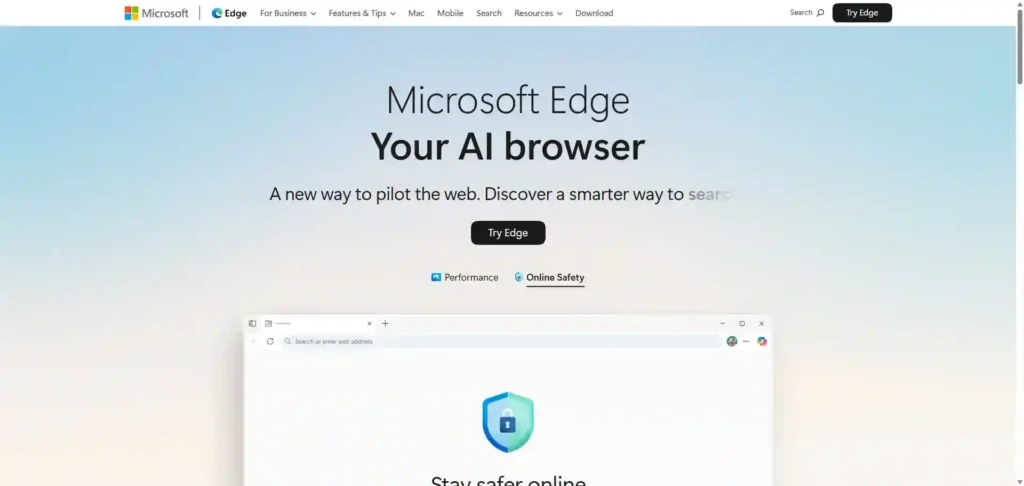
Microsoft Edge offers an AI-driven browser with Copilot mode for focused browsing, quick answers, and voice navigation.Features include vertical tab layout, split-screen functionality, built-in VPN, workspace organization, real-time video translation, instant image generation, and screenshot tools.
✔️ AI-driven browser.✔️ Copilot mode.✔️ vertical tab layout.✔️ built-in VPN.✔️ real-time video translation.
✔️ Enhance your productivity by using Microsoft Edge’s vertical tab layout to organize multiple projects and streamline your workflow seamlessly with the built-in workspace organization feature..✔️ Quickly find answers to your queries while browsing using the AI-driven Copilot mode, enabling you to focus on your research without distractions..✔️ Utilize the built-in VPN for secure browsing while streaming or working remotely, ensuring your data remains protected as you use Edge’s real-time video translation feature for seamless global communication..
Microsoft Edge AI-Browser can be useful for the following user groups:Students and researchersProfessionals and remote workersMultitaskers and productivity seekersContent creators and designersPrivacy-conscious usersMultilingual users and travelers