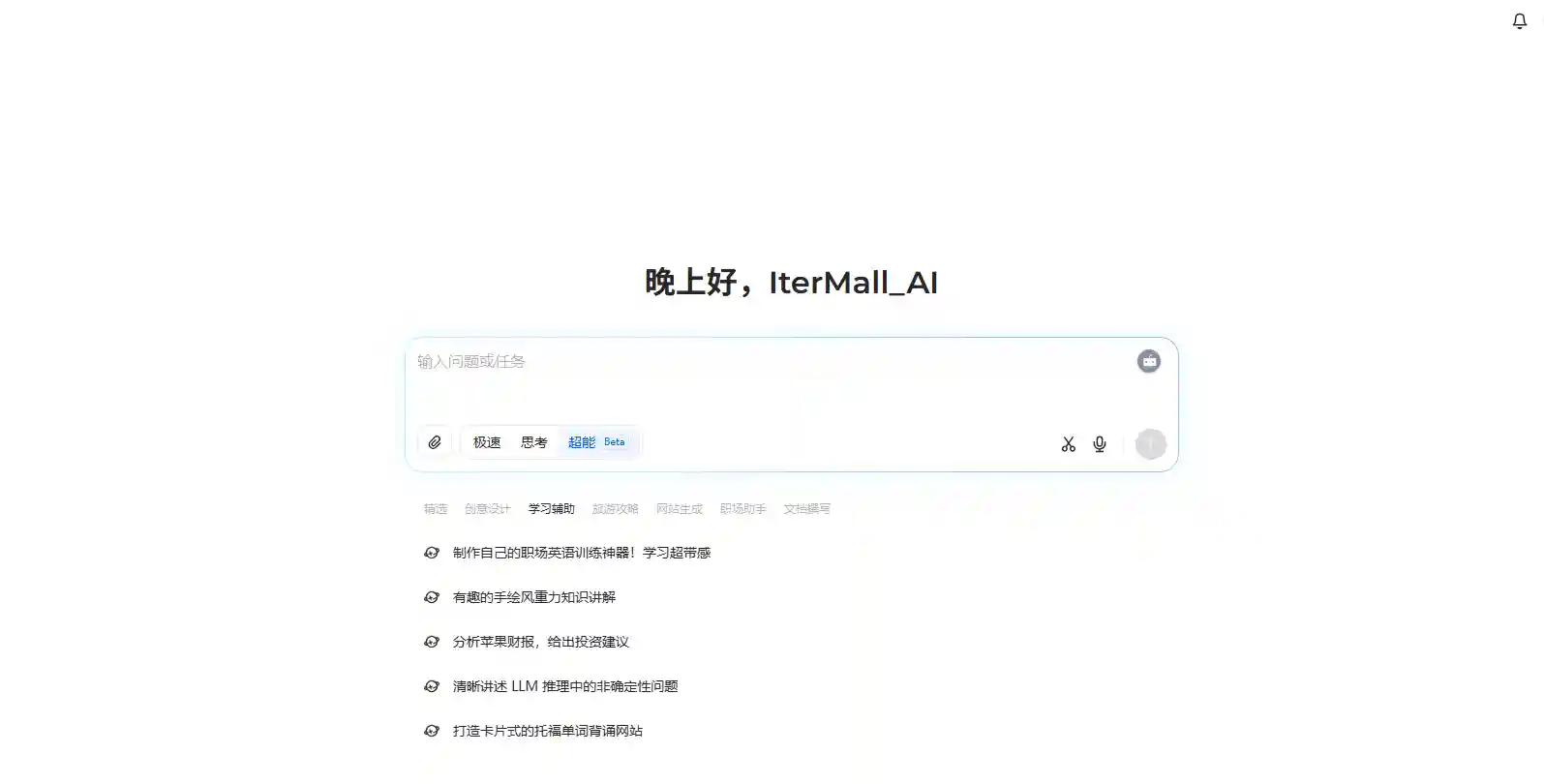
Doubao AI is designed for students who struggle to organize their study time efficiently. With its intelligent scheduling system, this tool helps users build a structured and realistic learning routine. By combining smart automation with personal customization, Doubao Study Tool ensures every learner gets a plan that fits their habits, goals, and available time.
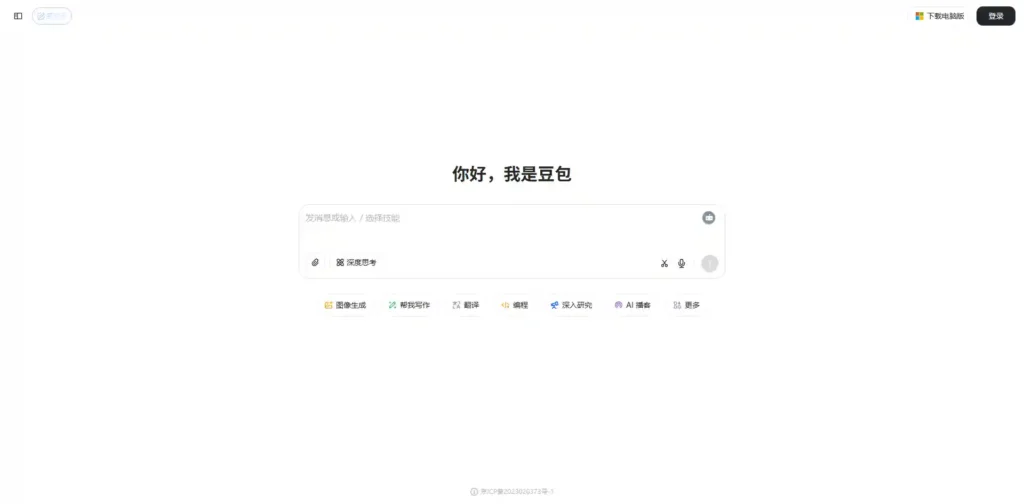
Ues Link:doubao.com
Doubao Instructions here
Set Up Doubao Study Tool And Create Your First Study Profile
Start by visiting the Doubao website and signing up for an account. After logging in, create your account. Set profile by filling out basic details — your nickname.
You can choose from common study objectives, such as exam preparation, language improvement, or long-term academic development.
Once your target is complete, the AI platform adapts to your individual needs. This step ensures your AI study schedule starts from accurate personal data rather than a generic plan.
Add Your Subjects, Deadlines, And Free Time Into Doubao
After setting up your profile, the next step is to input your study data.
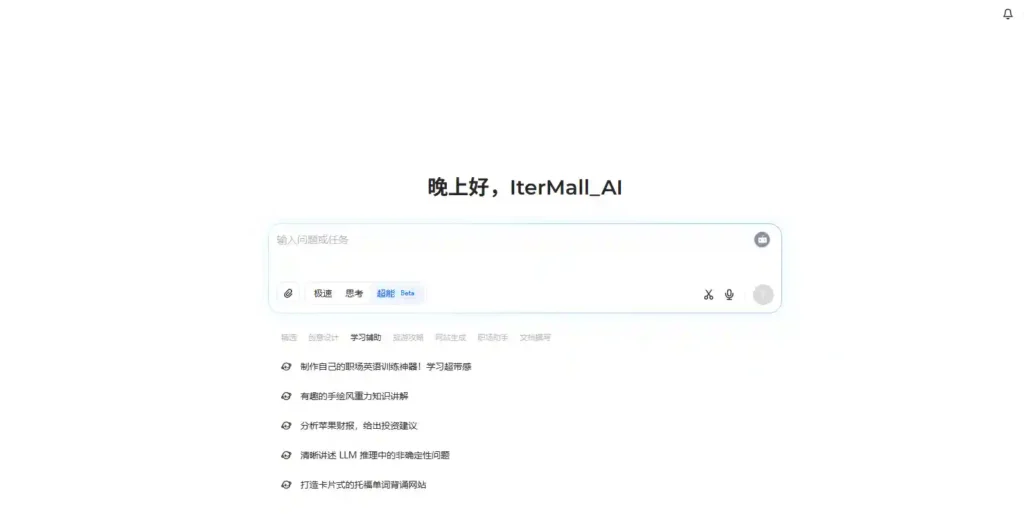
Go to the “Study Planner” section and enter your subjects — Math, English, Physics, or any topic you need help with.
Then add key deadlines like exam dates or project submissions.
Finally, mark your available study hours throughout the week. Doubao will analyze these time slots and calculate the most productive learning periods. By providing specific times and subjects, you give the AI a clear framework to build a balanced, realistic AI study schedule.
Let Doubao Generate An AI Study Schedule Automatically
Input your prompt like this:
# Junior High School English Learning Tool## Step 1: Copy Generation
– Generate a **Chinese-English mixed** text copy, set in a scenario where the main character is having a PE class at school
– Only need the main character’s dialogue text, no conversation needed. The speaking style should be exaggerated and interesting, with a total of less than 200 words
– The copy must be Chinese-English mixed, with the speaking style of a white-collar worker in a foreign company: more Chinese, less English, mixed Chinese and English
– English words should be at the difficulty level of first-year junior high school students
## Step 2: Audio Generation
– Read the text in a Chinese-English mixed manner to generate a complete audio recording of the entire copy
– Record the audio link
## Step 3: Web Page Generation
– Create a hand-drawn style HTML page
– Adopt hand-drawn sketch style, presenting a hand-drawn effect similar to sketch UI designs on Dribbble, but with more emphasis on functionality
– The overall style should create a creative and playful feeling, making boring English learning more approachable and understandable, especially suitable for users who are afraid of English
– It should convey professional functionality while maintaining a relaxed and pleasant atmosphere
– Overall content width: 960px, height: AUTO
– Use notebook paper or light parchment texture as background
– Color palette: soft colors, including light blue, light gray, and soft yellow
– Use bright accent colors for important word elements to attract attention
– Adopt sketch-style border frames
– Use pencil line style, drawing inspiration from FigJam’s interesting interface elements
– Use casual handwritten style fonts while ensuring clear readability
– Overall content uses a card-based layout to enhance the hand-drawn texture
– Maintain a clear information hierarchy similar to the Notion dashboard to ensure usability
– Do not include any images
– Display page elements from top to bottom:
1. Text copy area with highlighted English words
2. Audio player area that can play and pause the corresponding reading audio
“`
<audio id=”audioPlayer” preload=”auto”>
<source src=”audio link” type=”audio/wav”>
Your browser does not support audio playback.
</audio>
“`
3. Vocabulary list area, including English words and Chinese explanations
4. Do not add other areas
## Step 4: Submit Page
– Deploy and submit the HTML
– No need to check the webpage with a browser, deploy and submit directly
Once your prompt is ready, click the “Generate Plan” button. Within seconds, Doubao will create a complete study plan customized for your week.
You’ll see a color-coded schedule showing what to study, when to study, and how long each session lasts. Each block aligns with your availability and priorities.
For example, if your math exam is approaching, the schedule may automatically assign more time to math and reduce lighter subjects temporarily.This automation helps you save hours of manual planning — a core benefit that sets Doubao AI apart from ordinary to-do apps.
(Related reading: explore how Long Context & RAG techniques improve adaptive learning in Doubao’s design.)
Adjust Difficulty, Time Blocks, And Breaks To Match Your Real Life
Doubao’s AI-generated plan is flexible. You can manually adjust any task duration or intensity.
If you find a topic too hard, mark it as “High Priority,” and the system will increase the study frequency for that subject.
You can also split long sessions into smaller time blocks or add breaks between them to prevent burnout.
For instance, a 90-minute math session can be divided into three 30-minute parts with a 5-minute rest between each.
Doubao Study Tool encourages students to create a realistic rhythm that fits their real lives rather than chasing an ideal schedule that’s hard to maintain.
Use the Daily To-Do View To Follow Your AI Study Plan Step By Step
In your dashboard, select the “Today” view to see your daily learning plan.
This view lists only what you need to complete that day — subjects, durations, and small tasks.
After each study session, check off what you’ve finished to keep your progress visible.
If you miss a session, Doubao automatically moves it to the next available slot.
This daily flow helps users stay consistent and eliminates the anxiety of manually catching up.(You can also connect to the Tech/Engineering section to learn how Doubao’s scheduling logic ensures accuracy across devices.)
Track Progress And Let It Update Your Study Plan
One of Doubao’s best features is adaptive progress tracking.
At the end of each day, rate how well you followed your plan: “Too Easy,” “Just Right,” or “Too Hard.”
The AI uses this feedback to adjust your future AI study schedule dynamically.
For example, if you consistently complete English tasks faster than expected, Doubao may shorten those sessions and reallocate more time to subjects needing extra work.
| Day | Subject | Planned Time | Actual Time | Adjustment |
| Mon | English | 40 min | 45 min | Increase by 5 min next time |
| Tue | English | 30 min | 20 min | Reduce by 10 min |
This learning loop helps your plan evolve with you — it’s never static, always adapting.
Sync Your Calendar And Build A Weekly Review Habit
To make your AI study schedule part of your routine, sync it with your Google Calendar or mobile planner.
This way, reminders pop up even when you’re not inside the app.
Every Sunday evening, spend 10–15 minutes reviewing your week inside Doubao Study Tool:
- What did you complete successfully?
- Which subjects took more time than expected?
- Are there any new deadlines to add?
Click “Regenerate” or “Update Plan,” and Doubao AI will automatically rebalance your schedule.
This weekly reflection turns AI planning into a sustainable habit that keeps your academic life organized and stress-free.
Conclusion
Using the Doubao Study Tool is like having a smart personal assistant for your studies.
It organizes your tasks, adapts to your performance, and helps you stay consistent without burnout.
By combining structure and flexibility, the AI study schedule it creates ensures that every minute of your effort counts toward real results.
If you often feel lost in your learning routine, let Doubao AI take over the planning—so you can focus purely on learning.
Doubao can not only create personalized study plans for users but also help with writing, image creation, and programming. If you want to learn more about Doubao, you can read this article: Doubao: The All-in-One AI Assistant for Work and Creativity. At the same time, you can also compare the differences between Doubao, ChatGPT, Qwen, and Gemini.